Considerations:
- I am using xampp, root folder : C:\xampp\htdocs
- Project Name – mycms : C:\xampp\htdocs\mycms
Step-1) Install Composer
Asgardcms can be installed through composer, so need to
install composer in your system
Ø
Open - https://github.com/asgardcms
Ø
Download Blog Module - https://github.com/AsgardCms/Blog
Ø
Unzip & Rename Folder to “Blog”
Ø
Copy & Paste Blog Module in Your-Project-name/MODULES
Step-2) Starts Install
Note :
·
I am using xampp,
so path is C:\xampp\htdocs ( use path as per your
root folder)
·
My Project
name is mycms : C:\xampp\htdocs\mycms
Open Command Prompt and set path to your project folder,
enter following command and wait for execution.
Ø composer
require asgardcms/blog-module

Step-3) Enable Permissions
Once command execution
is done, login to admin dashboard and you can found that it displaying in
Sidebar.
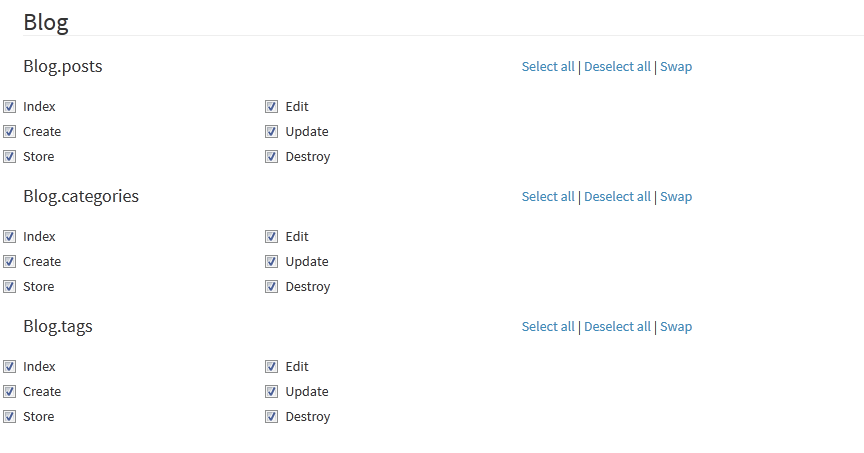
Users => Roles
=> Admin – Actions – Click on edit icon => Permissions Tab => Enable
all permissions of Blog Module and click Update button(
at bottom of page).
Step-4) Create Post, View Posts


Step-5) Frontend , Done J
References:
https://github.com/AsgardCms/Blog
